Viewing previous results
On the overview page for a test you can view all of the previous runs.

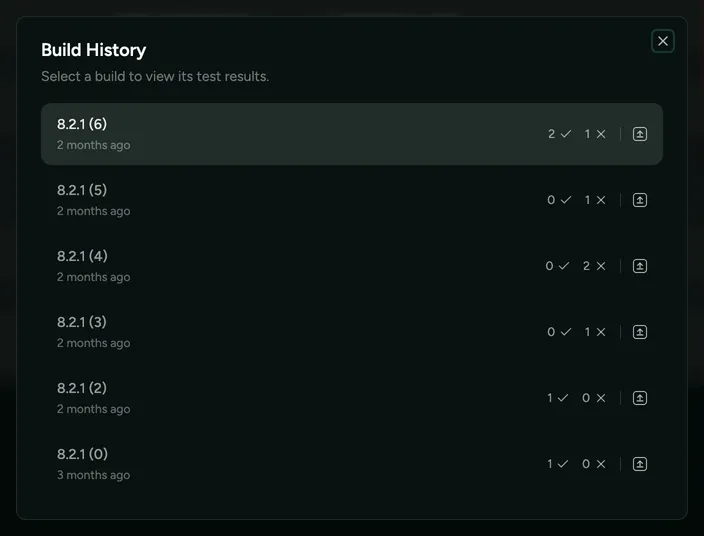
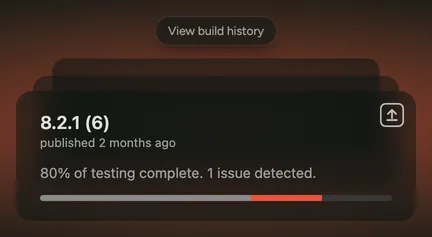
Additionally, if you want to see how your test suite performed for a given historical build, you can also view that from the home page, by hovering over the latest build and pressing View build history.
This then displays a build history summary, which you can view and open to explore more details.