Understanding signals
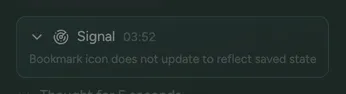
In addition to testing the core functionality that you define in your test specs, our agents also observe how your app behaves across all of your test runs, and surface UI/UX problems as they go. For example, a screen hanging for a few seconds before loading, buttons requiring multiple taps, or flows that technically work but don’t feel right.
No setup is required. Signals are created from each test run, and show up automatically in the test run trace.