Manual runs
Regardless of if you have automatic runs enabled, you can always manually run tests. This is useful when initially building out a test to ensure it’s running correctly.
To manually run a test, go to Tests → choose a test → Rerun. You can also choose to subscribe and be alerted when the rerun finishes. This requires having Slack notifications enabled.
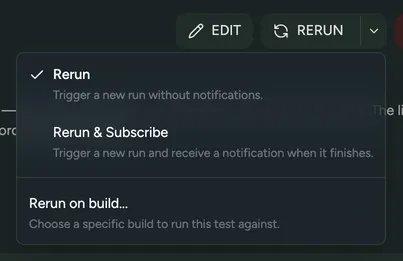
You can also choose to rerun a test on a previous build by choosing Rerun → Rerun on build.
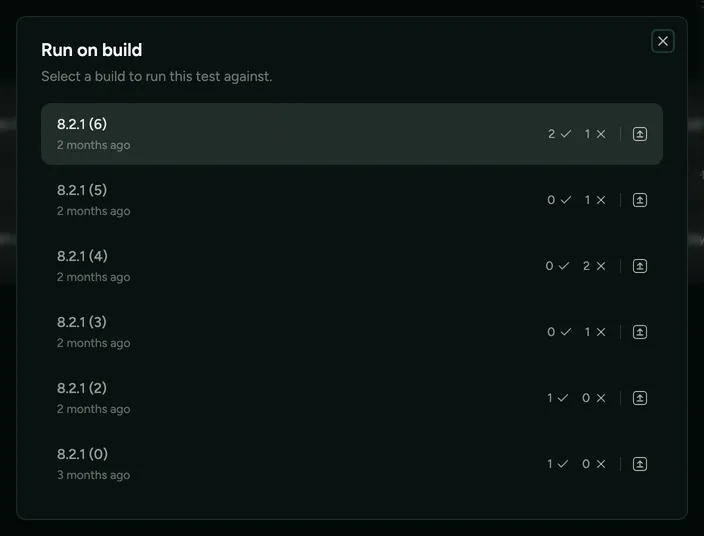
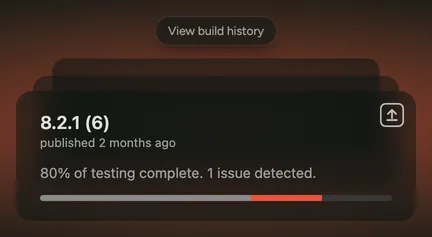
To rerun all failed tests for a previous build, go to the home page, hover over the latest build, select View build history, and choose the build.